

A stolen password shouldn't be enough to get in.
Passwords alone no longer keep attackers out. Two-factor authentication (2FA) adds a second layer: after entering a password, users verify their identity with something else, like a code on their phone.
Part of Cybersecurity
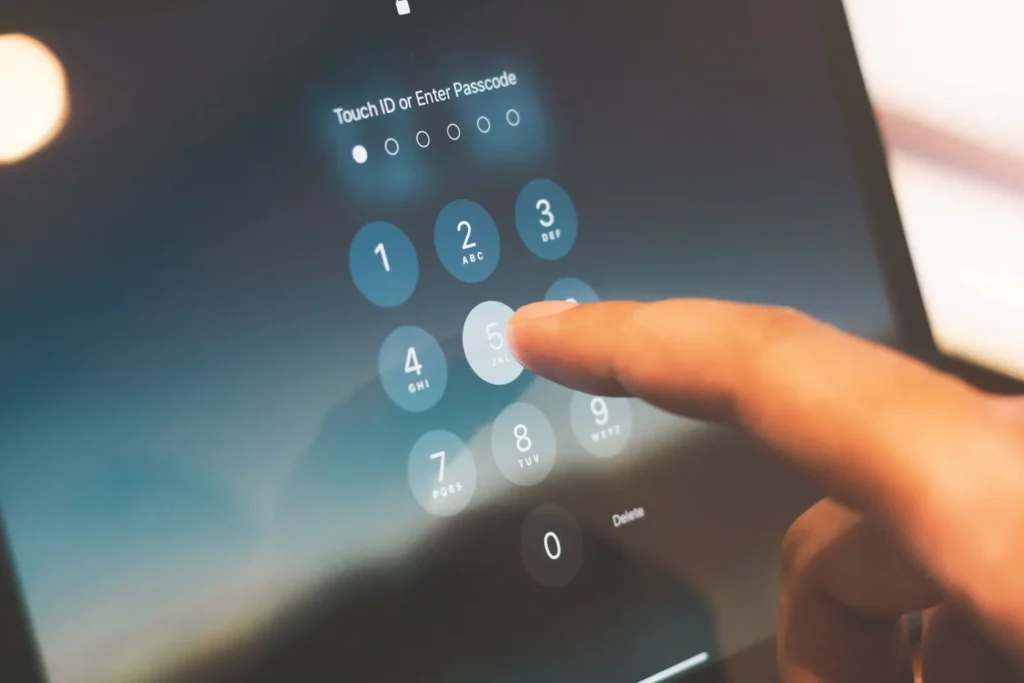
Two-Factor Authentication, done properly.
How it works
Enter your password, then confirm it's you with a code on your mobile device or an authentication app.
Why it matters
Even if someone steals a password, they can't get in without the second verification step.
Rolled out properly
We plan enrolment so your staff are set up smoothly, with clear instructions and support.
With 2FA in place, it’s dramatically harder for criminals to access sensitive accounts.
Is 2FA the same as MFA?
Two-factor authentication is the most common form of multi-factor authentication (MFA): two separate proofs of identity instead of one.
Will it slow my staff down?
A few seconds at sign-in. With conditional access, prompts can be required only in riskier situations, like unfamiliar locations.
Which systems should have 2FA?
Email and Microsoft 365 or Google Workspace first, then remote access, finance systems and anything holding client data.
Let's talk about Two-Factor Authentication.
Book a free consultation. We'll look at your current setup and recommend what fits.
Tell us about your IT.
We answer almost every inquiry within one business day.