
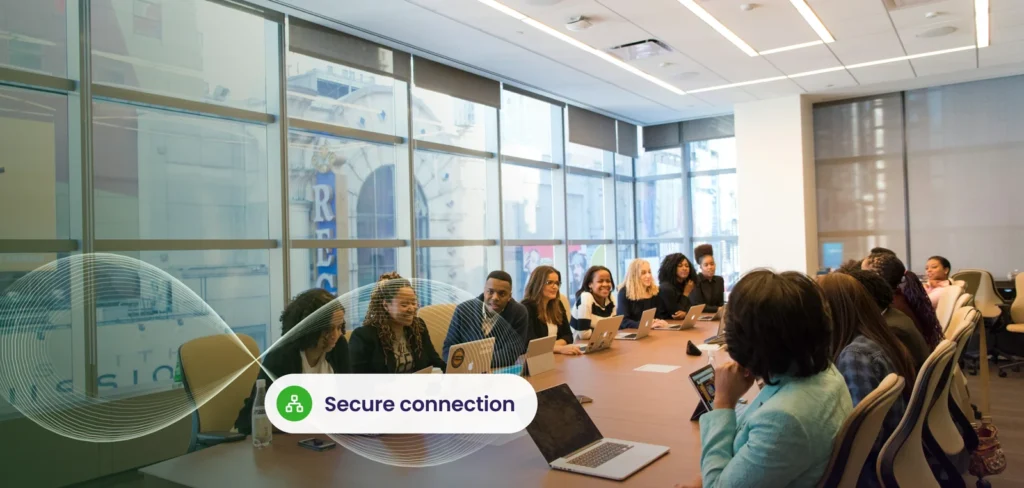
The office is no longer a single place. People work from home, client sites, co-working spaces and the office itself, often on the same day, using a mix of company and personal devices. The modern workplace is the set of tools, policies and habits that make that work smoothly and securely. Here are the trends we see affecting small and mid sized businesses most.
Flexible and hybrid work is now normal
Many firms settled into a hybrid pattern: some days in the office, some elsewhere. That puts the emphasis on reliable collaboration tools, good internet at home, and consistent access to files and applications. A solid Microsoft Teams setup, with clear channels, meeting etiquette and shared storage in SharePoint, makes hybrid work smoother than any amount of video calls. Our Microsoft 365 team helps firms get this right.
Personal devices and BYOD
Staff often prefer using their own phones or laptops. Allowing it can save money and improve satisfaction, but it needs rules. A good policy explains what data can be accessed, what security standards devices must meet, and what happens if a device is lost. Technical controls such as Microsoft Intune can separate work data from personal data on a phone, require screen locks, and remove company data without touching personal photos. See our BYOD guide.
Managed devices from day one
Setting up laptops by hand is slow and inconsistent. Modern device management with Intune and Windows Autopilot lets you ship a new laptop directly to an employee, who signs in and finds it configured with the right apps, policies and security settings automatically. It reduces setup time, errors and the number of site visits, and it makes replacing a lost laptop quick.
Desktops from the cloud
Virtual desktop services deliver a managed Windows environment to almost any device. They suit staff who use sensitive data from many locations, short term contractors, and firms with legacy applications. The data stays in the cloud rather than on a laptop. They are not right for every user, so test before committing. Our guide to cloud infrastructure trends covers where they fit.
Automation of routine work
Automating onboarding, offboarding, approvals and reports reduces errors and frees time. Even simple automations, such as creating accounts for new hires from an HR request, remove repetitive tasks.
Security that follows the user
When people work everywhere, the office firewall no longer protects them. Security shifts to identity and devices: multi-factor authentication, conditional access, encrypted devices, email protection and monitoring. Good Microsoft 365 security settings are essential, and many businesses are still on defaults that leave gaps.
| Trend | What to put in place |
|---|---|
| Hybrid work | Teams, SharePoint, reliable remote access |
| Personal devices | A clear BYOD policy and Intune controls |
| Fast, consistent device setup | Device management and Windows Autopilot |
| Virtual desktops | A pilot for the right user groups |
| Automation | Start with onboarding and offboarding |
| Identity based security | MFA, conditional access, monitoring |
Do not forget the people side
Tools only help when people know how to use them. Short training, clear guidance and a simple route to ask for help matter as much as the technology. Be open about expectations on availability and response times, and ask staff what slows them down.
A practical starting point
- Check your Microsoft 365 security settings and fix the defaults.
- Enrol laptops and phones in device management.
- Write a one page policy for personal devices.
- Standardise collaboration: where files live and how teams communicate.
- Review again in six months.
We design and manage Microsoft 365, devices and security for hybrid teams.
Explore Microsoft 365 servicesFrequently asked questions
Is allowing personal devices safe?
It can be, with clear rules and controls that separate and protect company data, such as Intune.
Do we need Windows Autopilot?
It is most useful when you deploy several devices a year or have remote staff, where it saves significant setup time.
What is the first step to a modern workplace?
Secure identity with multi-factor authentication, then standardise devices and collaboration tools.
Related service: Cloud Services
Last updated