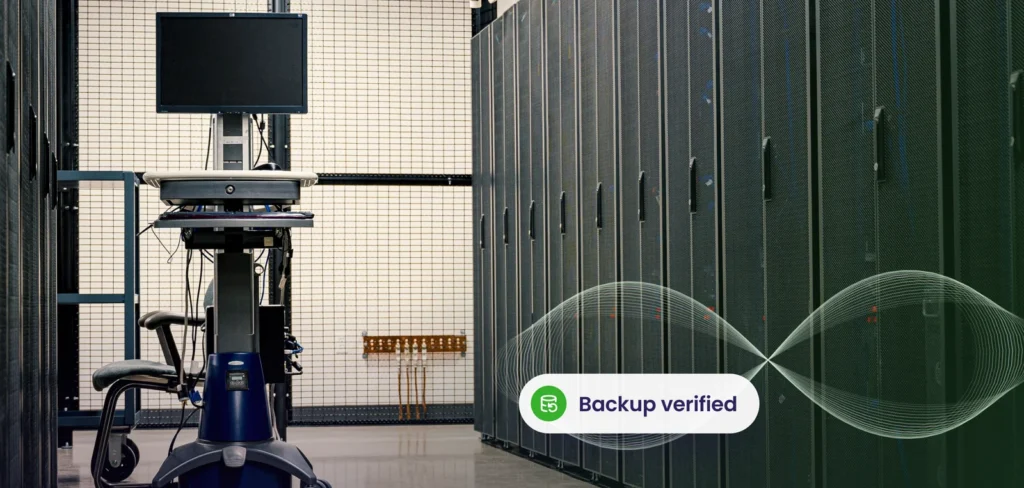
Building your own backup system means buying storage, finding a second location and trusting that someone will watch it. The cloud changes that equation. With Azure backup, copies of your servers and data are stored in redundant, encrypted storage, managed by a platform built for the purpose.
Redundancy, explained
Redundancy means having more than one copy so that a single failure does not mean loss. Azure can keep multiple copies in a single datacentre, across datacentres in a region, or in a second paired region. More redundancy costs more, so match it to the importance of the data.
Security features
- Encryption of data in transit and at rest
- Access control and role based permissions
- Multi-factor authentication for administrators
- Soft delete, which keeps deleted backups for a period so an attacker or mistake cannot remove them immediately
- Immutable storage options and logging
These features strengthen ransomware protection, because attackers often target backups first.
Backup is not disaster recovery
Backup restores data. Disaster recovery restores a working service. Azure Site Recovery replicates virtual machines to another location so you can start them quickly if the main site fails. Most businesses need both, which is the core of backup and disaster recovery planning. See our disaster recovery plan template.
Set targets first
Decide how much downtime and data loss you can accept. This is the difference between recovery time and recovery point, covered in RTO vs RPO discussions. Critical systems may need continuous replication, while others can recover from nightly backups.
| Need | Tool |
|---|---|
| Restore files and servers | Azure backup |
| Fast failover of services | Azure Site Recovery |
| Protection of Microsoft 365 data | Separate Microsoft 365 backup |
| Local fast restores | On site copy plus cloud copy |
Practical tips
- Use separate credentials and MFA for backup administration.
- Turn on soft delete and, where possible, immutability.
- Choose a Canadian region if required. See our article on Azure Canada data residency.
- Monitor jobs and review failures promptly.
- Test restores regularly and time them.
For servers outside Azure
On site servers and laptops can also send copies to the cloud. Our remote backup service covers a mix of environments, and the guide on first time cloud backup explains what to consider. Good cloud backup for business combines local speed with cloud safety.
We design, monitor and test cloud backup and recovery.
Explore disaster recoveryFrequently asked questions
Is Azure backup only for Azure servers?
No. It can protect on site servers and some workloads too.
Does it protect Microsoft 365?
Not by itself. Use a dedicated Microsoft 365 backup solution.
How often should I test restores?
At least quarterly for critical systems.
Related service: Disaster Recovery
Last updated