

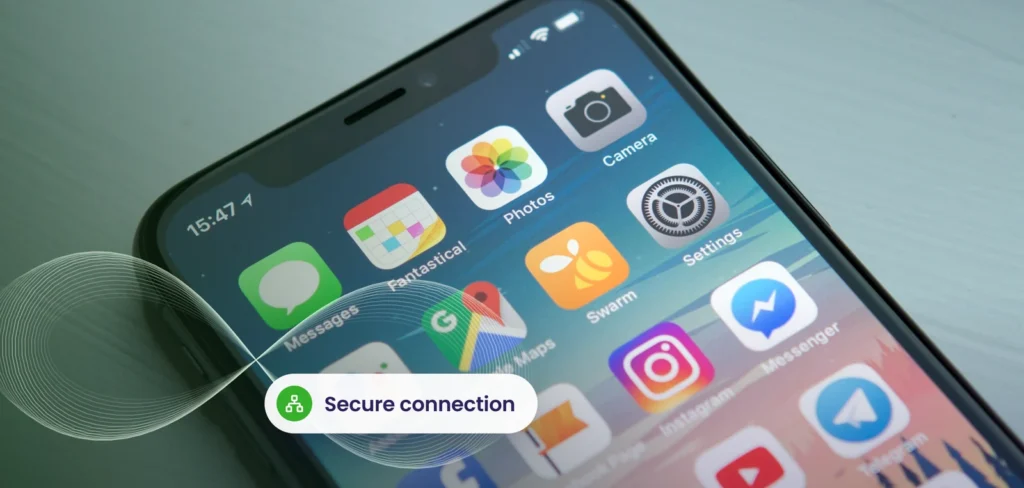
Years ago we noted that smartphones would soon outnumber people. That has happened, and nearly every employee now carries a powerful computer that reads company email, opens documents and approves sign ins. Device management is how a business keeps that convenience from becoming a liability.
Why phones are a risk
- They are easily lost or stolen.
- They connect to public wifi.
- They hold email, contacts, files and authentication apps.
- Staff install apps freely, some unsafe.
- They often go unpatched.
A single unprotected phone can expose client information or give an attacker a route to your accounts.
What management can do
Tools like Microsoft Intune let a business set sensible rules without owning the phone:
- Require a passcode and encryption
- Block rooted or jailbroken devices
- Install and update business apps
- Separate company data from personal data
- Remove company data from a lost phone without wiping personal photos
- Report which devices meet the rules
The same approach applies to laptops, along with Windows Autopilot for ready to work setup. See our guide to modern workplace trends.
Company phone or personal phone?
Both can work. Company owned phones offer the most control. Personal phones respect privacy and reduce cost but need clear rules, usually protecting only the company apps and data. Our article on BYOD covers the policy side.
| Approach | Control | Privacy | Cost |
|---|---|---|---|
| Company owned | High | Company decides | Business buys |
| Personal with app protection | Company data only | Preserved | Lower |
| Unmanaged | None | Not applicable | Hidden risk |
Policies that people accept
- Explain what is and is not visible to the company.
- Keep requirements reasonable.
- Offer support when something goes wrong.
- Make the secure way the easy way.
Pair it with identity security
Device rules work best alongside strong sign in. Require MFA, and use conditional access to allow access to company data only from compliant devices. That combination is a core part of Microsoft 365 security. Our Microsoft 365 team can implement it.
Do not forget the basics
Management does not replace awareness. Remind staff to update their phones, avoid unknown apps and report lost devices immediately. Good endpoint security extends to phones through apps that detect risky apps and unsafe networks.
We set up device management that protects your information and respects privacy.
Explore Microsoft 365 servicesFrequently asked questions
Can the company see my personal photos?
Not with properly configured app protection. It only manages company apps and data.
What happens when a phone is lost?
The company data can be removed remotely, and the sign in can be revoked.
Do we need Intune for a small team?
It is worthwhile as soon as phones access company email or files.
Related service: Cloud Services
Last updated