

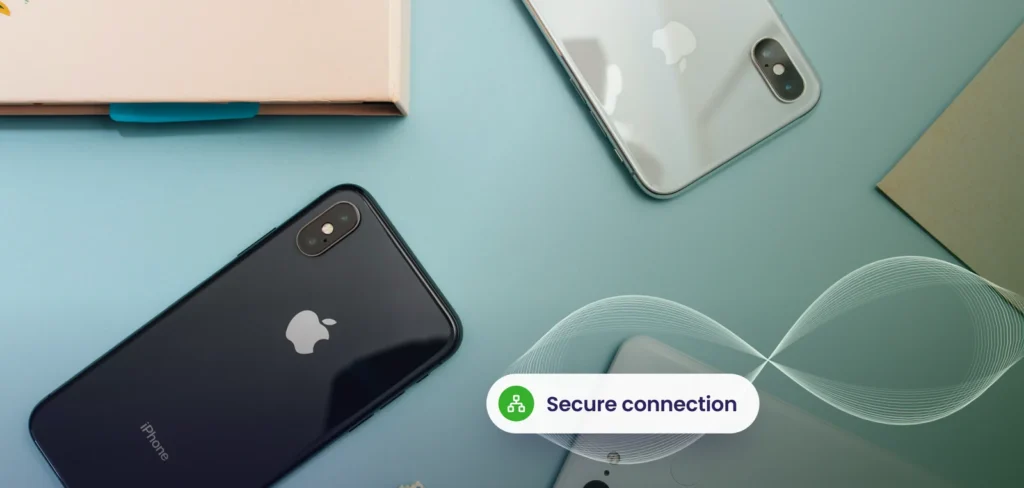
Bring your own device, or BYOD, lets employees use personal phones and laptops for work. It is popular because people like their own devices and the business avoids buying more equipment. The risk is that company data now lives on equipment you do not own. With a clear policy and Microsoft Intune, you can have the benefits without the exposure.
Benefits
- Lower hardware costs
- Staff work on devices they know
- Faster access for contractors and new hires
- Flexibility for remote work
The risks
- Company data on unprotected or shared devices
- Lost or stolen phones and laptops
- Malware from personal use or unsafe apps
- Staff leaving with company data
- Difficulty meeting privacy and client obligations
Start with a policy
A good BYOD policy is short and covers:
- Eligibility. Which roles and devices are allowed.
- Minimum standards. Passcode, encryption, current operating system.
- Allowed access. Which apps and data may be reached, and what is blocked.
- Privacy. What the company can and cannot see.
- Lost devices. Reporting immediately, with remote removal of company data.
- Leaving. Company data is removed when employment ends.
- Support. What IT will and will not help with.
How Microsoft Intune helps
Intune enforces the policy technically. For personal devices it can protect only company apps such as Outlook, Teams and OneDrive: requiring a PIN, blocking copy and paste into personal apps, and removing company data on request. For company devices it provides full device management, including updates and settings. Our guide to mobile device management covers the details.
Combine with identity controls
Rules on devices are stronger when joined to sign in rules. Conditional access can require MFA and allow access to sensitive data only from compliant or protected apps. Strong Microsoft 365 security settings underpin the whole approach. See our conditional access page.
| Control | Protects against |
|---|---|
| App protection policies | Data leaking into personal apps |
| Encryption and passcode | Lost or stolen devices |
| Conditional access | Access from risky devices |
| Selective wipe | Departing staff and lost phones |
| MFA | Stolen passwords |
Do not skip the people side
Tell staff what you can see and cannot see. Most worries are about privacy. When people understand that personal photos and messages are untouched, adoption is much higher.
When BYOD is not appropriate
Highly sensitive roles or regulated data may require company owned devices with full endpoint security. A mixed approach is common: company laptops for staff handling confidential data, personal phones for email and chat.
We write the policy and configure Intune so your data stays protected.
Explore Microsoft 365 servicesFrequently asked questions
Can we wipe a personal phone?
You can remove only company data, leaving personal content alone.
Do we need a signed policy?
Yes. Ask staff to acknowledge it before they enrol.
Is BYOD cheaper?
Often, though management, security and support costs still apply.
Related service: Cloud Services
Last updated